定位
-
绝对定位 absolute 不占位置完全浮动,相对定位 relative 会占有位置。
-
position : relative .absolute 、 static . fixed
-
相对 绝对 无定位 固定
相对定位【相对于自己】
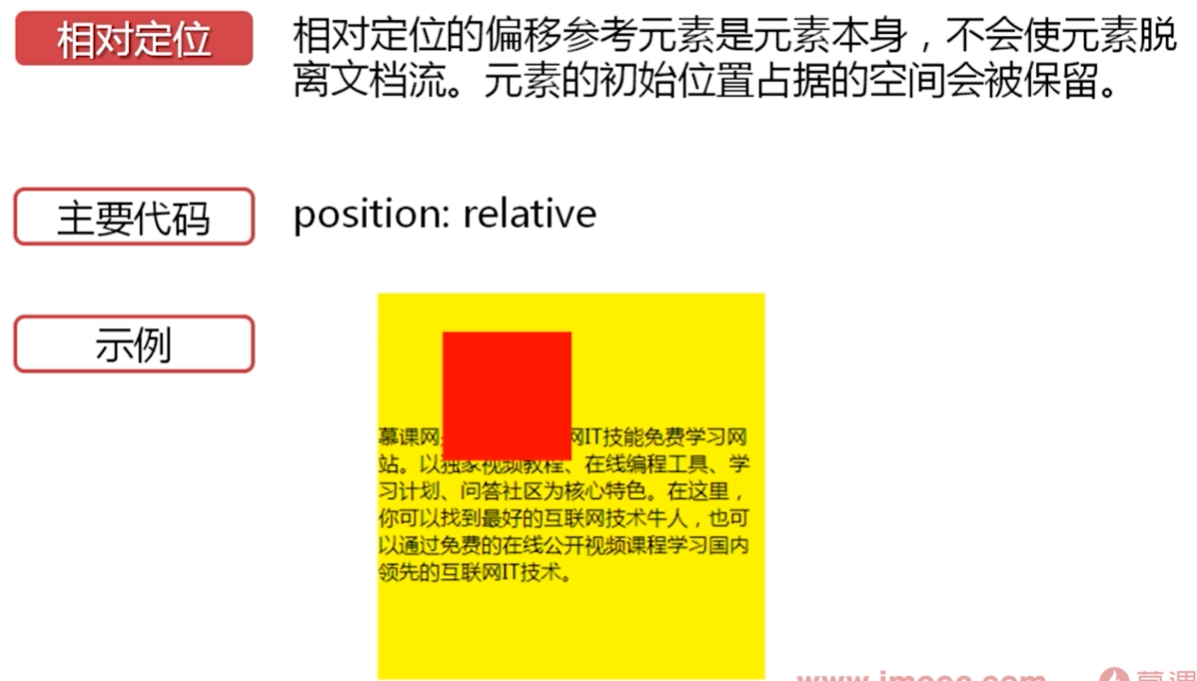
<div class="div1"></div>
.div1{
    width: 100px;
    height: 100px;
    background-color: orangered;
    position: relative;
    top: 20px;
    left: 20px;
}
绝对定位【相对最近的一个父元素】
- 会产生浮动,脱离原来的文档流、
![]()
- 文档流是否需要被破坏
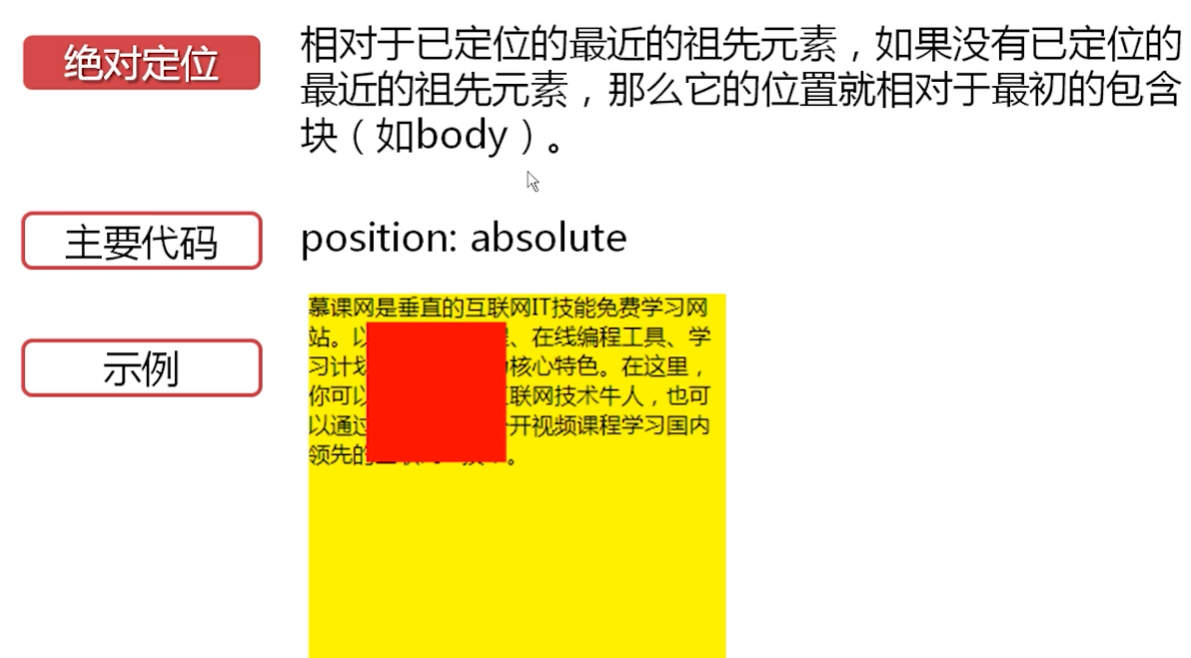
<div class="main">
        <div class="div1"></div>
</div>
.main{
    width: 600px;
    height: 600px;
    background-color: lightpink;
    position: relative;
    top: 20px;
    left: 20px;
}
.div1{
    width: 100px;
    height: 100px;
    background-color: orangered;
    position: absolute;
    top: 20px;
    left: 20px;
}-
relative:
-
可以通过 top/right/bottom/left 移动元素的位置。
-
relative 可以和浮动一起使用。
-
设置相对定位的元素,子元素设置绝对定位会参照它进行位置偏移。
div{ width: 100px; height: 100px; } .div1{ background-color: red; left: 200px; position: absolute; } .div2{ background-color: yellow; /*left: 200px; position: absolute;*/ } .div3{ background-color: blue; /*left: 200px; position: absolute;*/ }可以 123 都加 top: 10px; position:relative 则三个竖起一起排列![]()
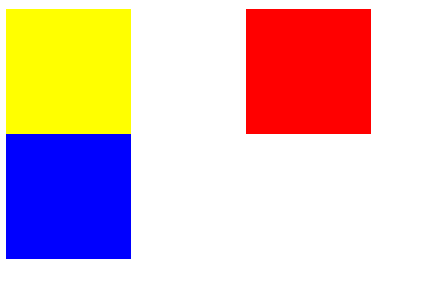 div2、div3 如 1 一样、、则
![]()
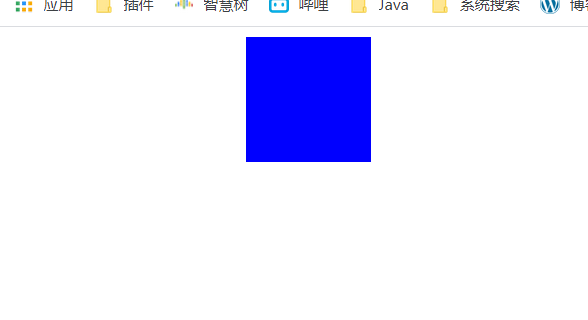
绝对定位和 float 的区别
-
绝对定位。文字会遮到 破坏文档流
父元素
.div0{
height: 300px;
/right: 10px;
float: left;/
position: absolute;
}
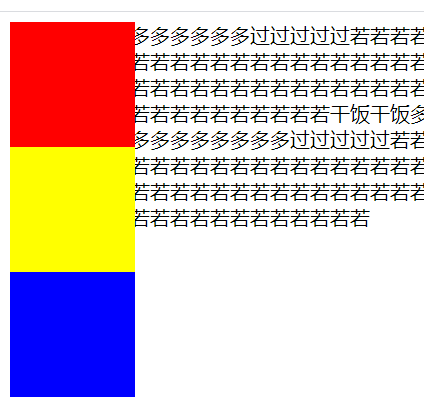
- float 破坏文档流,但是是单独出现也产生了浮动效果,不会
.div0{
height: 300px;
right: 10px;
float: left;
/position: absolute;/
}
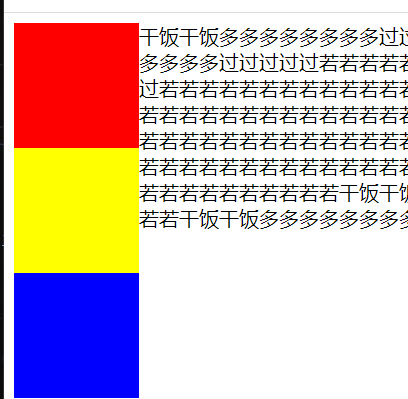
相对定位和浮动
- float 产生的浮动不会被忽略、文字会绕开 div
- 相对定位设置 4 个边距
z-index 的使用
【重叠显示】
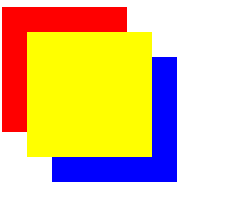
.div1{
    background-color: red;
    position: absolute;
    top: 20px;
    left: 100px;
    z-index: 10;
}
.div2{
    background-color: yellow;
    position: absolute;
    top: 40px;
    left: 120px;
    z-index: 50;
}
.div3{
    background-color: blue;
    position: absolute;
    top: 60px;
    left: 140px;
    z-index: 30;<!--倍数-->
}
固定定位
- 相对于游览器窗口进行定位
- 主要代码:position:fixed
- 实例:演示 div 相对游览器位置不改变的效果
- 对联式
<div class="div1">慕课网</div>
<div class="div2">
   <p>
        干饭干饭多多多多多多多多过过过过过若若若若若若若若若若若若若若若若若若若若若若若若若若若若若若若若若若若若若若若若若干饭干饭多多多多多多多多过过过过过若若若若若若若若若若若若若若若若若若若若若若若若若若若若若若若若若若若若若若若若若干饭干饭多多多多多多多多过过过过过若若若若若若若若若若若若若若若若若若若若若若若若若若若若若若若若若若若若若若若若若干饭干饭多多多多多多多多过过过
   </p>复制粘贴
</p>
</div>
<div class="div3">慕课网</div>
.div1{
    width: 5%;
    height: 100px;
    position: fixed;
    top: 200px;
    left: 2%;
}
.div2{
    width: 80%;
    /*height: 100px;*/
    position: relative;
    left: 10%;
}
.div3{
    width: 5%;
    height: 100px;
    position: fixed;
    top: 200px;
    right: 2%;
}


